Import or paste your script
You can bring a script into Veritake in three ways.
-
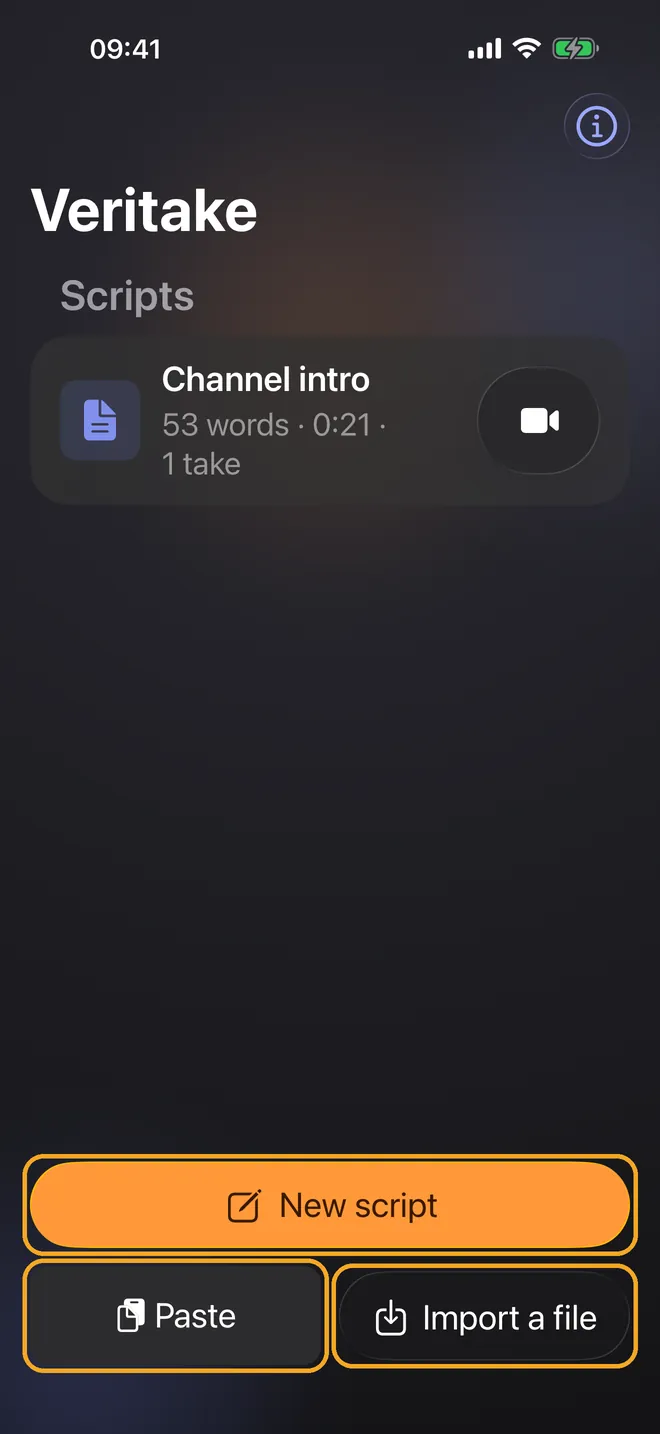
In your script library, tap New script to write a script, Paste to insert text you copied in another app, or Import a file to open a file.
-
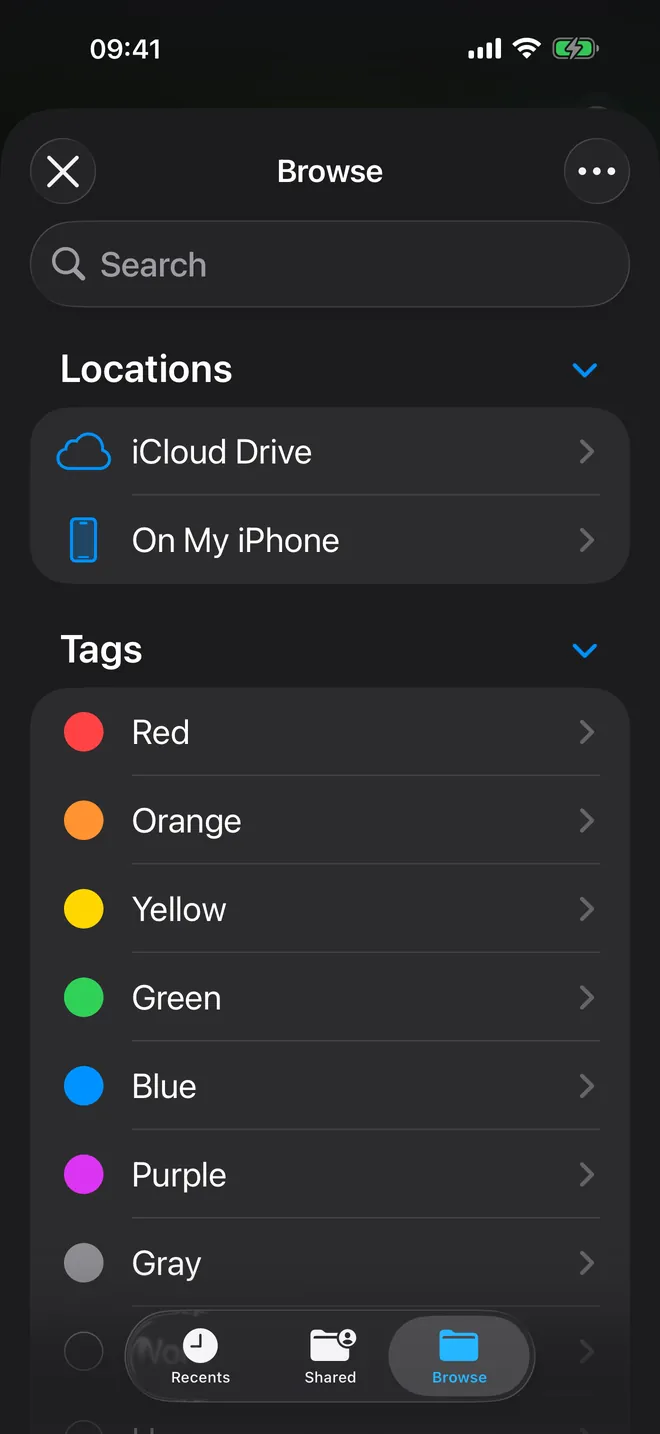
When you import, the file browser opens. Choose where the file is stored, for example iCloud Drive or a provider you’ve set up in the Files app, and select a TXT, RTF, or PDF file.
-
Veritake copies the script into its library on your iPhone. The original file stays where it was.
Guides · Record with Voice Follow · Choose your camera and microphone · Trim and export your video